Nederlands
 Deutschland
 Österreich
 Schweiz
 English
 Français
 Čeština
 Dansk
 Español
 Suomi
 Italiano
 Português
 Svenska
 Polski
 Ireland
 Ελληνικά
 Română
 Magyar
 Eesti
 Български
 Slovenčina
 Slovenščina
 Latviešu
Sustainable Business Practices Using the CSR Performance Ladder
Sustainability is no longer a luxury, but a requirement for staying relevant. Companies must prove that they operate responsibly,...
Read article

Read our frequently asked questions here. Use the table of contents to go directly to the topic you’d like to learn more about.
NFC stands for near-field communication. In other words, short-range communication. This means that communication simply takes place when an NFC-enabled device comes into contact with an NFC chip. When this happens, the task stored on the chip is executed via the device.
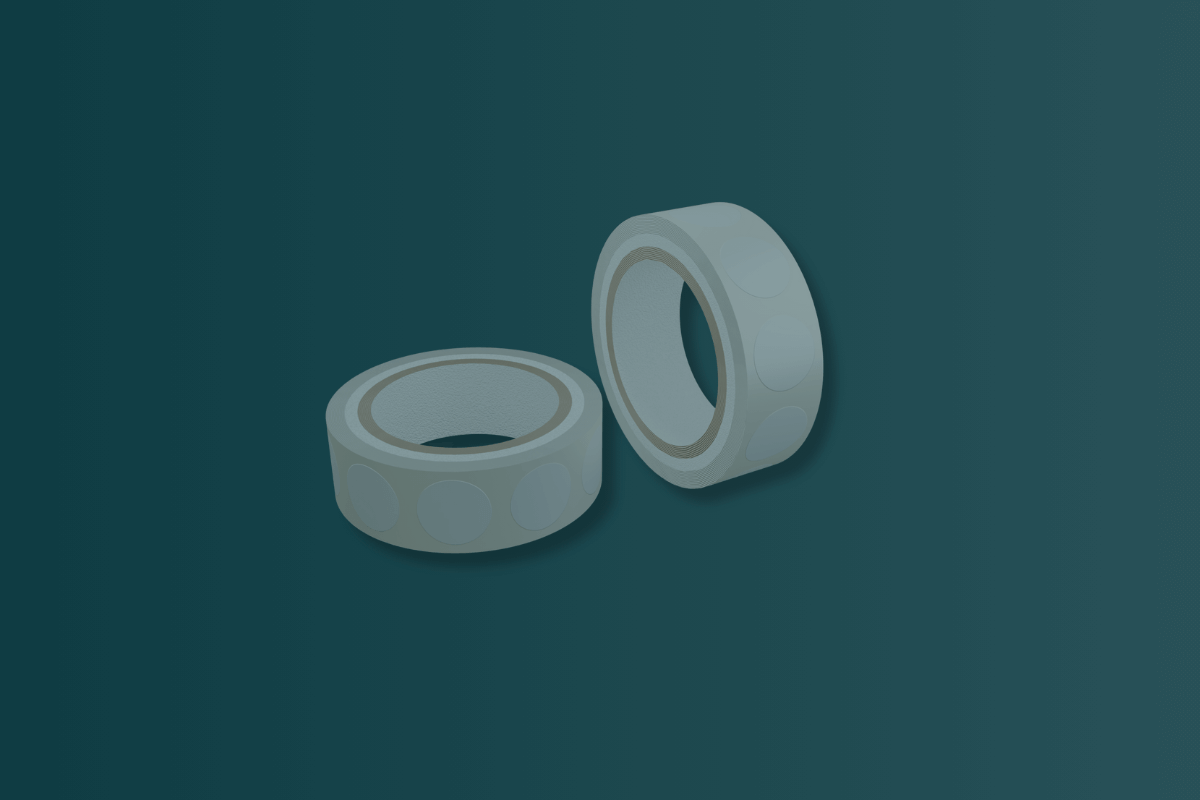
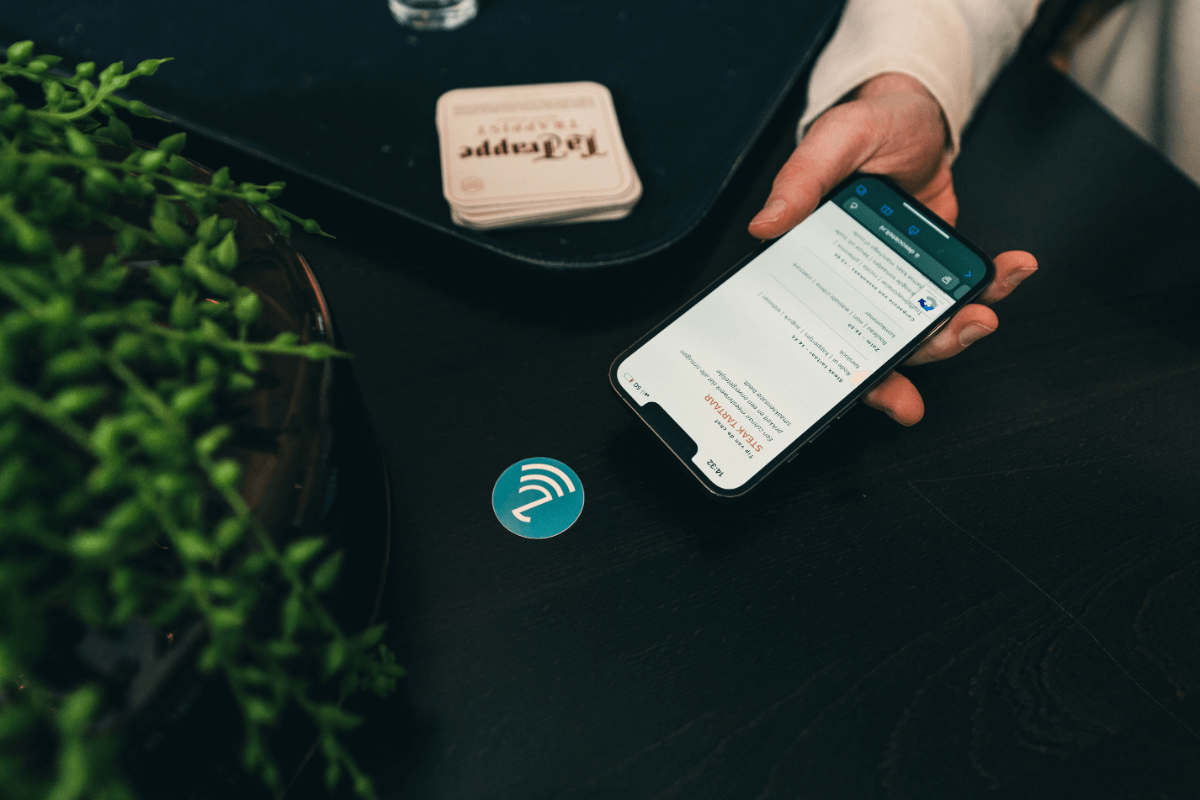
NFC tags make it possible to exchange specific data using a contactless method. The tags contain a chip that can store and exchange information. The exchange takes place automatically when a cell phone or NFC reader is held up to the chip. NFC tag stickers are very popular because they’re so easy to use. The tags can be easily attached to just about anything, such as a poster, display, or store shelf.
There’s quite a bit of confusion between NFC tags and RFID. RFID stands for Radio Frequency Identification. This means that communication takes place via radio waves. NFC (near-field communication) refers to short-range communication. This communication takes place at a distance of approximately 5 centimeters. RFID technology is a classic and was invented in the 1960s. NFC technology is considered the successor to RFID technology. For example, NFC is better able to exchange information. In addition, NFC is many times more accurate than RFID.
An NFC tag consists mainly of two parts: the chip and the antenna. The chip is designed to process and transmit information. The information is exchanged using a small amount of energy. This energy is obtained from a cell phone or an NFC reader, which means an NFC tag does not need a battery. This makes it possible to place an NFC tag anywhere without having to rely on a power source. The antenna is made of copper wire and picks up the signal from the phone or NFC reader. The signal is then converted into energy, allowing the task to be performed.
Many modern smartphones, tablets, and wearable devices support NFC technology. This includes popular brands such as Samsung, Apple, Google, and many more. There are also other consumer electronics and smart devices that support NFC, such as smart locks, NFC tags, and some laptops and desktop computers. Want to know if your phone supports NFC? Read our article.
NFC offers several benefits, including convenient wireless data transfer, fast and easy payments, and connectivity with smart devices. It also simplifies tasks such as access control and identification, and enables innovative applications in sectors such as healthcare, retail, and transportation.
As long as you want! You can keep the data on a tag forever. The tag typically has a lifespan of about 10 years. However, it is possible to reprogram a tag. You can make an unlimited number of changes to the tags. This makes the NFC tag very durable.
NFC tags work best between -20 and 70 degrees Celsius. So you don’t have to worry about temperature differences. NFC tags can withstand extreme temperature fluctuations.
On Android devices, this can be done easily in Settings. Next, tap Wireless & Networks. You’ll then see NFC appear on your screen, and you can enable the feature.
Find out here how to pay with your phone!
Many people don’t know exactly what NFC is, but they use it every day. Think of your public transit chip card or your debit card. Checking in and out is done using an NFC tag embedded in the card. Contactless payments are also made using an NFC chip. Thanks to smartphones, a whole host of new possibilities have emerged. These days, every smartphone has an NFC chip. This makes the technology increasingly attractive to businesses. NFC marketing is a growing concept and will continue to expand in the future.
We’ve compiled these for you. Check out our NFC applications.
With NFC tags, you can instantly retrieve information about a product or present a special offer. You can also embed a PDF document containing a user manual or link to a YouTube video that explains the product in detail. Another great example is encouraging repeat purchases by attaching a tag to a product. When the product is running low, customers can scan the tag and are immediately redirected to the order page. In short, with a little creativity, the possibilities with NFC are endless.
The capacity of an NFC chip is influenced by various factors, such as the manufacturer, the type of chip, and the type of memory used. The chip’s technical specifications, such as memory size and supported protocols, also play a role. In addition, the available space on the chip can affect its capacity.
It really depends on what data you want to put on an NFC tag. A web address takes up about 16 bytes, a phone number 16 bytes, an email with a subject line 84 bytes, and a business card 153 bytes. So be sure to consider how many bytes you need and exactly what you want to put on the tag. If you’re dealing with a simple URL, we recommend purchasing the NTAG213. If you want to use more data, it’s best to choose the NTAG215. If you’ll be working with data-rich content, the NTAG216 will be suitable. Make sure you know in advance what you’ll be using the tags for, and then purchase the appropriate tags. If you have any questions about this, please contact us.
NFC tags can be written using smartphones or an NFC reader. All Android devices can do this with a special app from the Play Store. Since the release of iOS 13 in 2019, NFC tags can also be written using Apple devices. Apps for this purpose are available in the Apple Store.
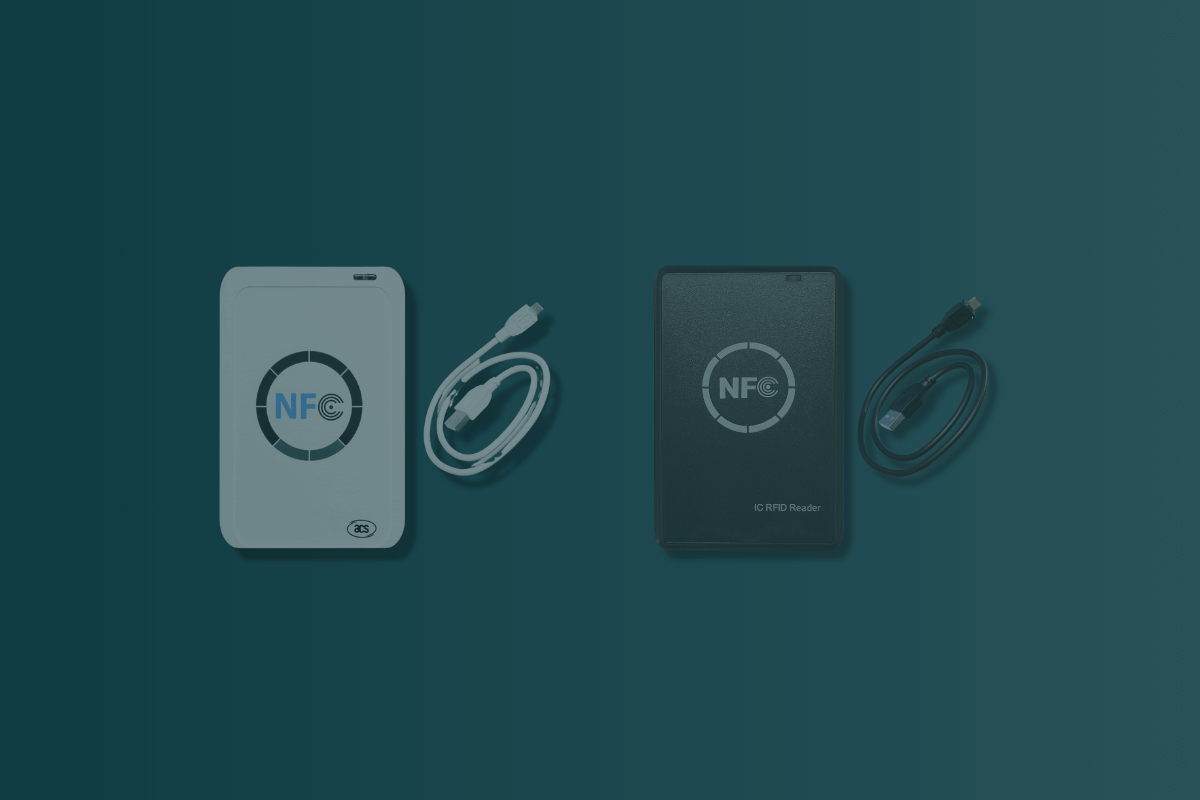
There are several ways to program NFC tags. There are essentially two methods that are widely used, the most popular of which is programming with a cell phone. This can be either an Android or an Apple device. Previously, NFC tags could only be programmed with an Android phone, but since Apple’s update (iOS 13), it’s also possible with an Apple device. In addition, programming is also possible using an NFC reader/writer. This is a device with a USB port that can be connected to a computer. Using the included software, you can easily write to NFC tags.
Not only are there multiple ways to program NFC tags, but there are also multiple devices you can use to do so. As you read in the previous paragraph, it’s possible to program tags using both Apple and Android devices. But keep in mind that not every Apple device supports this feature. Only Apple devices running iOS 13 or later support this feature. Android, on the other hand, has no such limitations. You can write to NFC tags with any Android device.
When you choose to program NFC tags using a cell phone, you have a variety of apps to choose from.
Apple Store
Do you have an iPhone? Then use the NFC Tools app. It lets you easily read and write NFC tags.
Play Store
Do you use an Android phone? If so, we recommend two popular apps for reading and writing NFC tags:
– NFC
Tagwriter – NFC Taginfo
You can secure your NFC tags. You can choose between permanent security and standard security. With permanent security, you ensure that the tags cannot be modified. Once you set this up, you can no longer reprogram the tags. The data can no longer be changed. You can also choose standard security. In this case, you secure the tags with a password. If the tags need to be modified, the correct password must be entered first. By enabling security, you ensure that no one can modify or take over the NFC tags.
NFC tags can be secured using an NFC card reader or a smartphone with the NFC Tools app. When you open the NFC Tools app, click “Other,” then select “Lock tag” and “Set password.” Simply hold the tag against the reader or smartphone, and the tags will be secured.
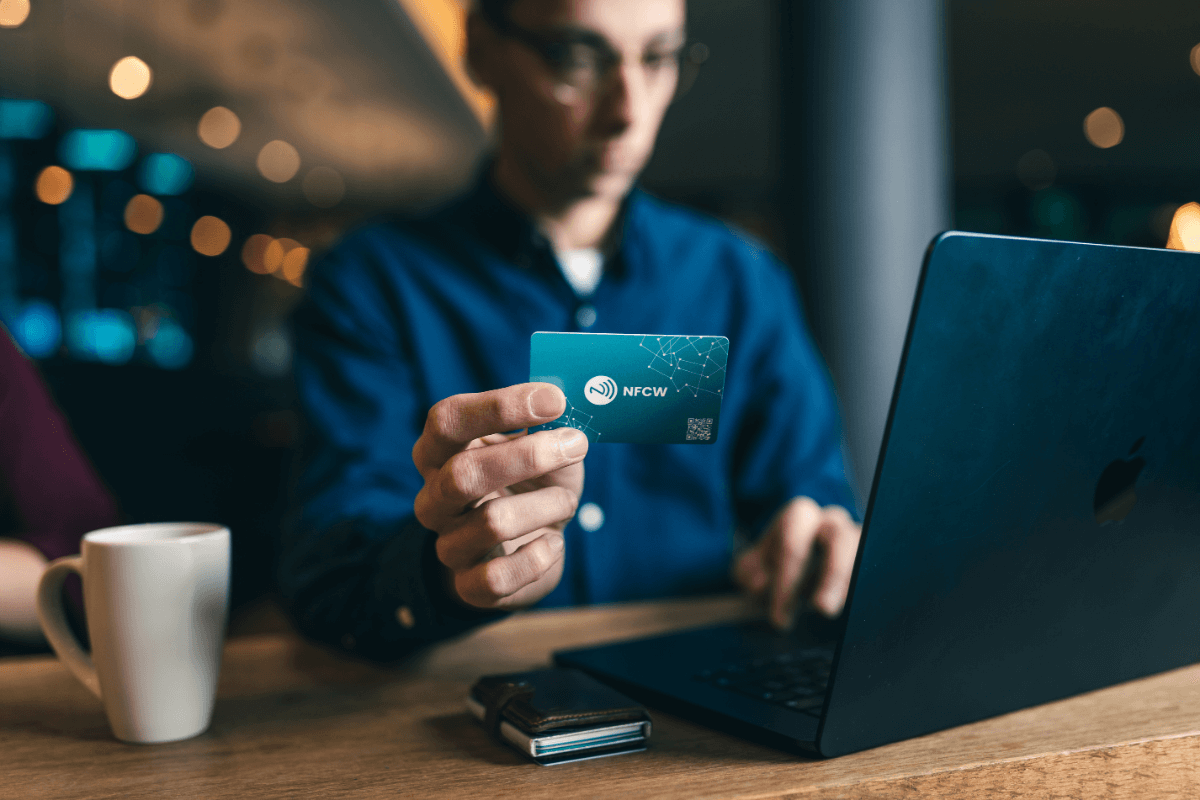
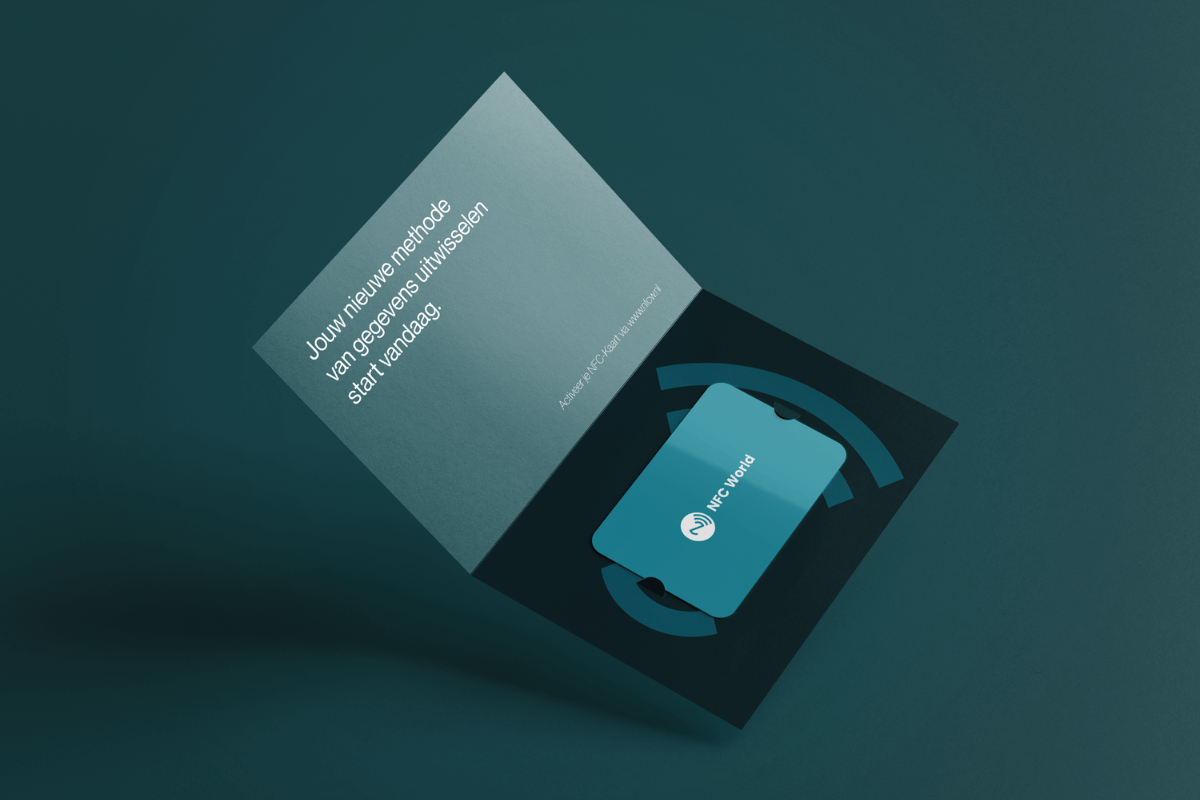
All your contact needs to do is hold their phone up to the NFC business card, and the contact information will be loaded directly onto the phone. They also have the option to save the contact information directly to their phone. It doesn’t get any easier than that. Be sure to add your social media accounts so they can follow you right away. No app required. That’s convenient.
You name it, it’s there. Of course, all your contact information—both business and personal. But also your social media accounts, downloads, cool videos, or your favorite Spotify playlist. You can even add a Bitcoin wallet. You can easily add these options and adjust them later. Just log in and make the changes. The changes are visible right away. Try it out for yourself.
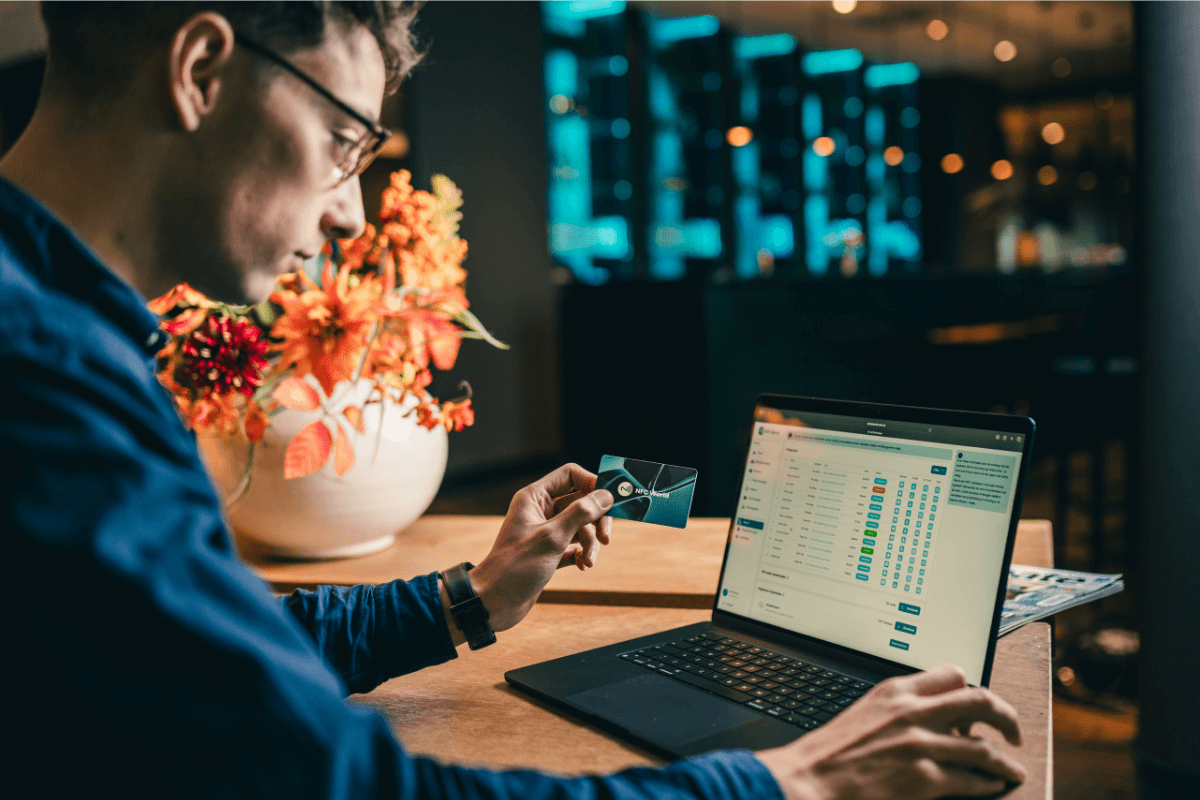
You can order the NFC business card in our online store or send an email to info@nfcw-shop.com. After placing your order, you’ll get access to the dashboard. The instructions and login credentials will be sent to you via email. There, you can upload the designs and enter all the information. This information can be edited in real time and can always be changed later. If a colleague leaves, you can easily transfer the card to another colleague.
After you submit your design, it takes about 7 days for the card to arrive in your mailbox!
After you place your order, we’ll email you your login credentials and instructions for the dashboard. In the dashboard, you can upload the design (front and back of the card). You can also easily add the QR code. You can resize, move, and change the color of the QR code so that it fits perfectly into your design.
No, this isn’t necessary. In the dashboard, while uploading your design, you can easily add the QR code. You can resize, move, and change the color of the QR code so that it fits perfectly into your design.
Absolutely. You can make unlimited changes to your contact information in the dashboard. The changes will be visible immediately.
Absolutely. You only pay the purchase price of the passes. The dashboard is included for free. Of course, you have lifetime access.
The dashboard offers many features. New updates with additional features are also released regularly. Some examples include card analytics, Apple/Google Wallet integration, CRM integration, QR code download, and the lead form.
Without a custom design:
Step 1: Find your business on the product page
Step 2: Order the Google Review product
Step 3: Delivered
within 2 business days Step 4: Start collecting reviews!
With your own design (only the Google review card – Custom design)
Step 1: Find your business on the product page and order the product
Step 2: Email your design to info@nfcw-shop.com
Step 3: Delivered
within 7 days Step 4: Collect reviews
You can email the design to info@nfcw-shop.com along with your order number. We’ll take care of the rest.
This can be a completely custom design or just a logo. If the latter is the case, we’ll use the design from the product image with your logo.
A QR code is only added to Google Review Cards with a custom design. This is not the case for standard designs. Before we begin processing the card, we’ll send you the final design for approval.
For a standard design, the delivery time is usually 2 days.
For a Google Review Card with a custom design, it takes 7 days after submitting the design before you receive the card.
It’s possible to specify a different company for each card. Order the set and immediately send an email to info@nfcw-shop.com with the company names (including addresses) you’d like programmed onto the cards. Example:
Card 1: Company X, address X
; Card 2: Company Y, address Y
; Card 3: Company Z, address Z
Here’s how it works:
1. Order the printed product with your own design from our online store
2. You’ll receive an email from us within 24 hours with the file submission specifications
3. Email us your unique design
4. Receive your products within 4 weeks
After you place your order, we’ll email you the file specifications. You can then email us the print file. We’ll review the file, and once approved, we’ll start production on your order.
Absolutely. You can send us the data, and we’ll deliver the products pre-programmed.
Absolutely. We’ll take a critical look at your design to ensure the best possible end result. We do this free of charge.
RFID stands for Radio Frequency Identification. It is a technology that makes it possible to identify objects wirelessly and exchange data between an RFID tag and a reader via radio waves. This allows objects to be tracked, identified, and monitored without making direct contact.
The main difference between RFID and NFC is their scope of application. RFID (Radio Frequency Identification) is typically used for large-scale identification and tracking of objects over longer distances, while NFC (Near Field Communication) is used for close-range wireless communication between devices, usually within a few centimeters. RFID is supported by specialized RFID readers and scanners, while NFC can be easily read by smartphones.
RFID is primarily supported by specialized RFID readers and industrial scanners, while NFC is supported by a wide range of modern smartphones, tablets, and wearable devices.
Some of the benefits of RFID technology include improved efficiency in supply chain management, fast and accurate inventory tracking, and better product traceability. NFC, on the other hand, offers benefits such as simple contactless payments, seamless connectivity with smart devices, and ease of use for tasks like access control and information transfer.
There are different types of RFID tags, including passive RFID tags that do not have their own power source and active RFID tags that do have their own power source for longer read ranges. In addition, there are also semi-passive RFID tags that have their own power source but only use it when activated by an RFID reader. Learn about the different types of RFID chips available.
RFID is used for a variety of applications, including:
1. Supply chain management for tracking goods and inventory management.
2. Access control for buildings, parking garages, and events.
3. Identification of animals in the agriculture and livestock sectors.
4. Baggage handling at airports.
5. Inventory management of library books and archives.
6. Security and anti-theft measures for products in stores.
7. Healthcare, such as managing medical records and tracking medical equipment.
8. Management of returns and recycling processes.
You can program RFID tags using special RFID programming software and programming equipment. This involves writing specific data to the tag, such as unique identification numbers or other information. To do this, it’s important to know the frequency at which the RFID chip operates. Based on that, you can determine which RFID reader is needed.
RFID tags can be programmed using various methods, including:
1. Special RFID programming systems and devices can be used to program RFID tags using connected computers.
2. Special software can be used to program RFID tags by entering the desired data and writing it to the tags via a programming device.
3. RFID readers can be used to program RFID tags, depending on the reader’s functionality and compatibility.
Is your question not listed among our frequently asked questions? Please contact us. We’d be happy to help.