
 Nederlands
 Deutschland
 Österreich
 Schweiz
 English
 Français
 Čeština
 Dansk
Dansk Español
 Suomi
Suomi Italiano
 Português
 Svenska
 Polski
 Ireland
 Ελληνικά
 Română
 Magyar
 Eesti
Eesti Български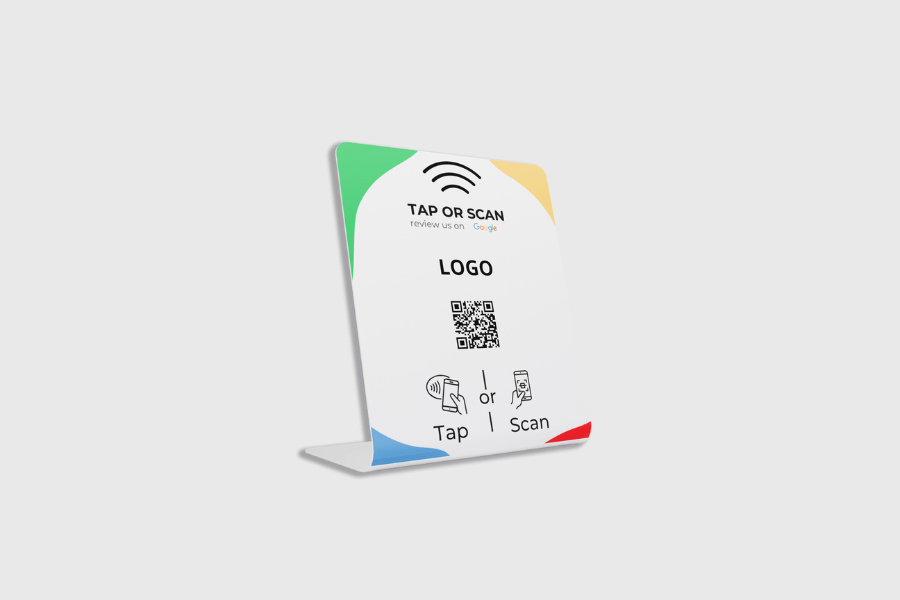
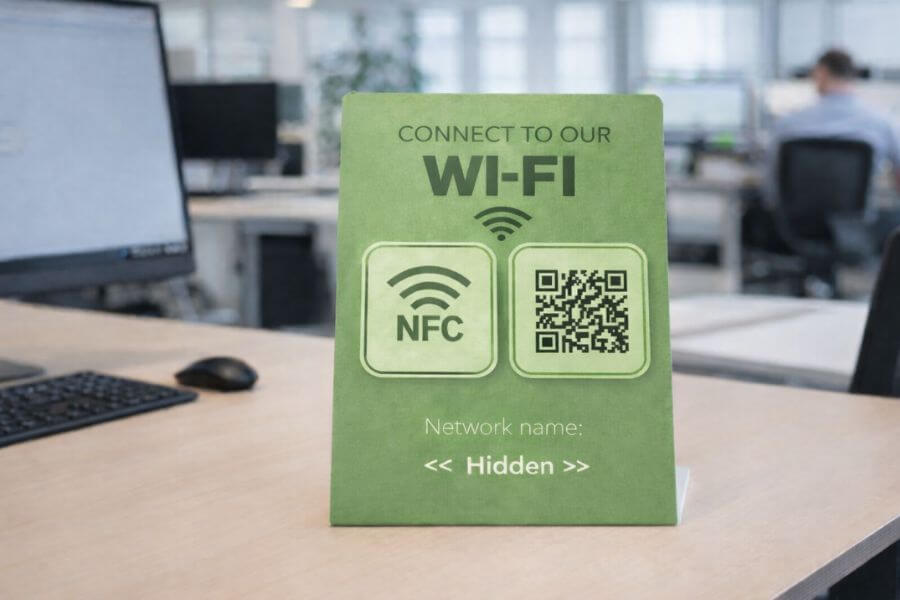
Display – Custom Design
Process
- Step 1: Order the product with your own design from our online store.
- Step 2: Download the file submission specifications for the display here.
- Step 3: Send your design files to info@nfcw-shop.com, using your order number as a reference. Please indicate whether you would like us to program the products for you as well.
- Step 4: After verification, we’ll start production on your order and let you know the delivery time.
How does a Google Review Display work?
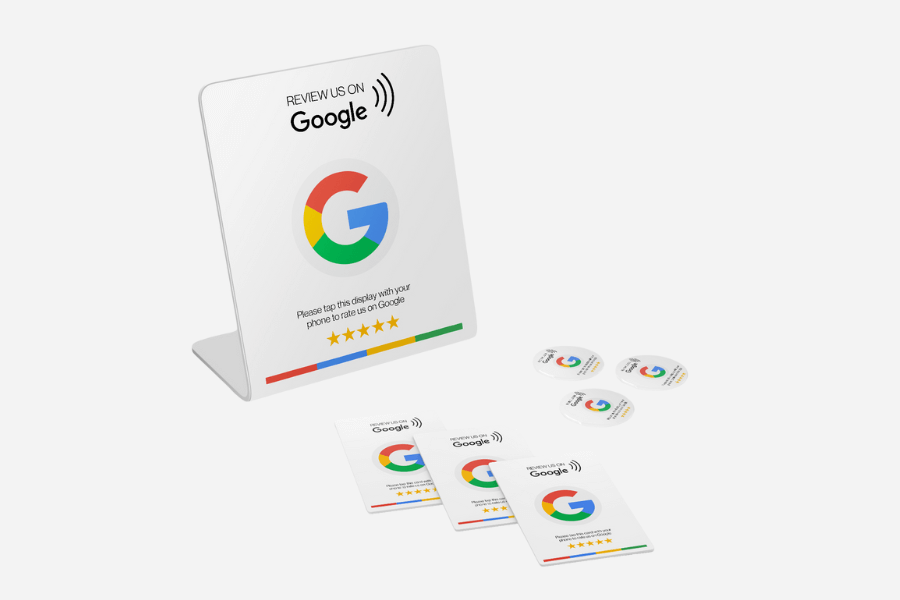
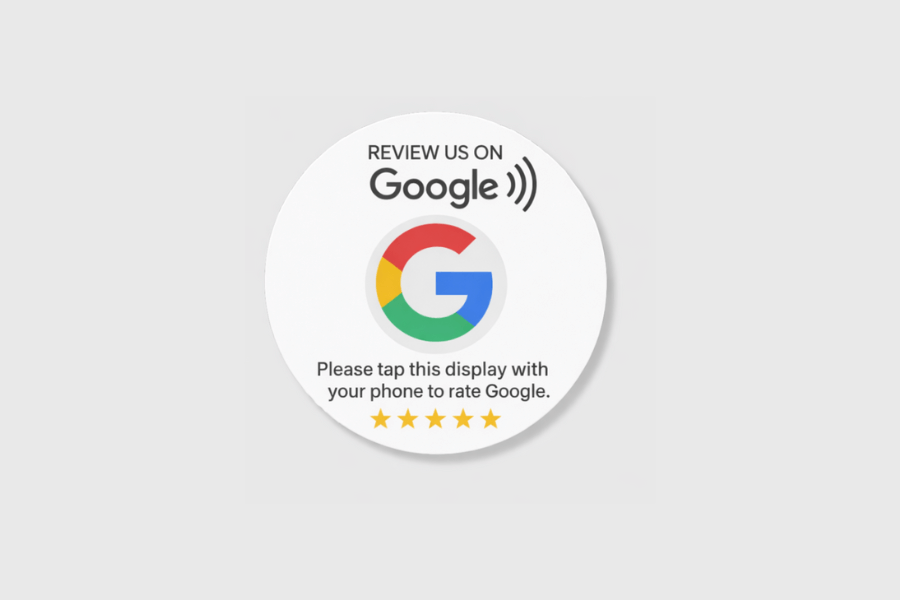
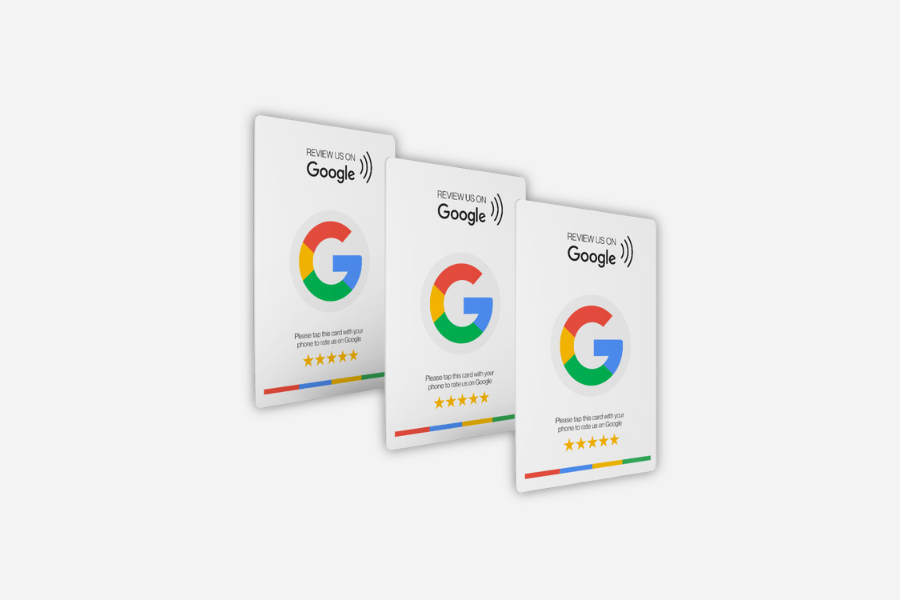
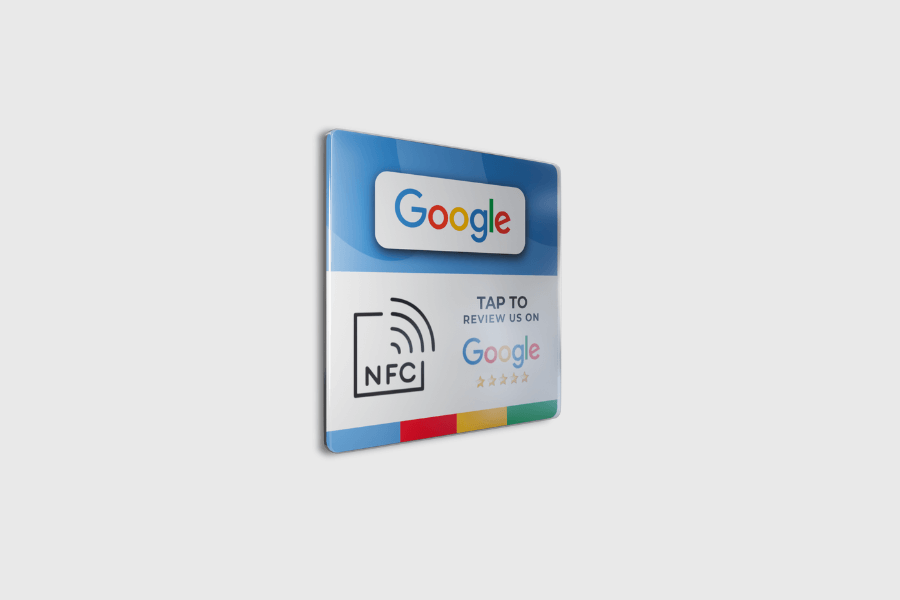
A Google Review Display uses NFC (Near Field Communication) technology. Customers can hold their smartphone up to the display. This automatically opens a link to a Google Review page where they can immediately leave their feedback and ratings.
How can I order the Google Review Display?
You can easily order the Google Review Display through our website. Search for your business using our tool, then click “Add to Cart.” We’ll then have all the information we need to program the product so you can start using it right away upon receipt.
Do I have to program the Google Review Display myself?
No, the product is delivered fully configured. You don’t need to do any additional programming. The display is ready to use right away, making it easy for customers to leave their reviews.
I can't find my business—what should I do?
If you can’t find the business using our tool, it’s usually because no location has been entered in the Google My Business profile. In this case, you can simply place your order and send the Google Review link to info@nfcw-shop.com. We’ll then make sure the link is programmed onto the product. You can easily find this link in Google My Business. You can find the instructions below: https://support.google.com/business/answer/3474122?hl=nl
I want to add my own design or a QR code to the display—how do I do that?
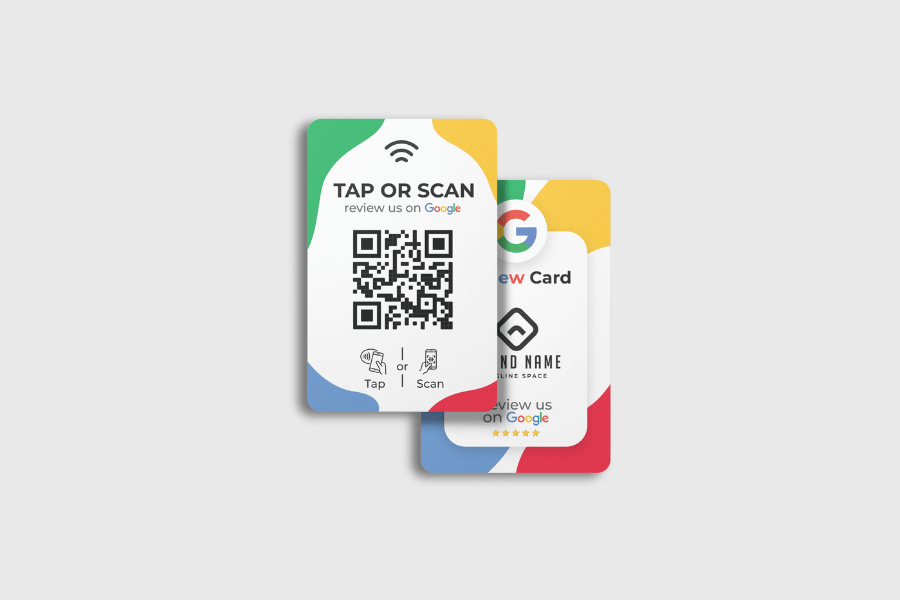
There are two options for adding your own design or QR code to the Google Review Display. 1) We can use the standard design from the product image and customize it with a unique QR code and your own logo. For this, we only need your logo. After you place your order, you can send us the logo, and we’ll take care of the rest. 2) You can also submit a completely custom design for the Google Review Display. After you place your order, we’ll contact you to send you the file submission specifications. You can then submit your design according to these specifications.
Does the Google Review Display have a limit?
There is no limit to the number of reviews that can be collected using the Google Review Display. Customers can use the product as often as they like to leave their feedback. There are also no monthly fees.
Does the Google Review Display work with any phone?
The Google Review Display works with almost all smartphones that support NFC technology. This includes most Android and iOS devices. Only the iPhone X or older models require an app to read the card. No app is needed for any other devices.
Can I start using the product right away after delivery?
Yes, the Google Review Display is ready to use right out of the box. No additional steps are required. Customers can start sharing their experiences right away by tapping their smartphone against the product.
Only logged-in customers who have purchased this product can write a review.

Company Information
- 1B Dieselstraat
- 6716 BC Ede (mailing address)
- Chamber of Commerce No. 87954362
- VAT 21% NL864459440B01
Do you have any questions or would you like to speak with someone?

Reviews
There are no reviews yet.