Nederlands
 Deutschland
 Österreich
 Schweiz
 English
 Français
 Čeština
 Dansk
Dansk Español
 Suomi
Suomi Italiano
 Português
 Svenska
 Polski
 Ireland
 Ελληνικά
 Română
 Magyar
 Eesti
Eesti Български
Sustainable Business Practices Using the CSR Performance Ladder
Sustainability is no longer a luxury, but a requirement for staying relevant. Companies must prove that they operate responsibly,...
Read article

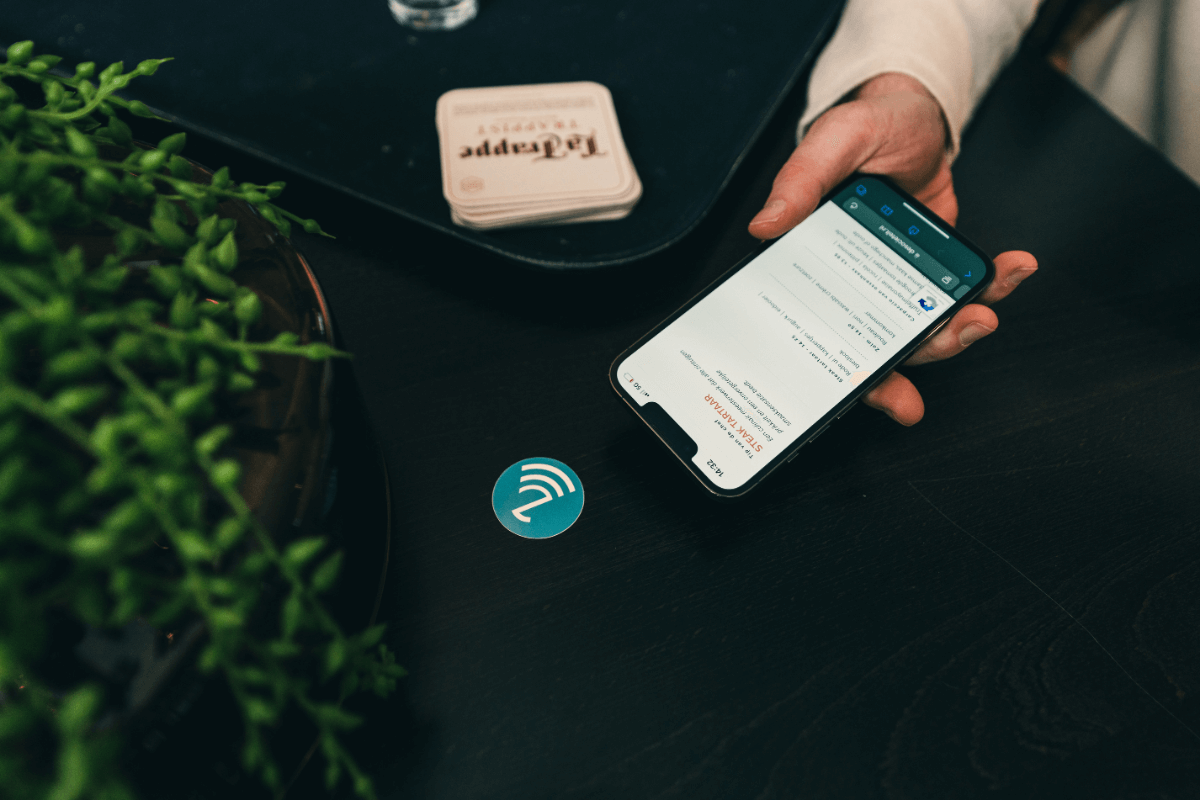
In this blog post, I’ll be discussing NFC programming. We receive a lot of questions on this topic, so I thought it would be a good idea to explain it in detail.
To clear up any confusion, programming NFC isn’t difficult and can easily be done on your own. Even though the term “programming” sounds complicated, it’s actually not that hard. Before I walk you through the step-by-step guide on how to program NFC, I’ll first discuss the different ways you can program NFC.
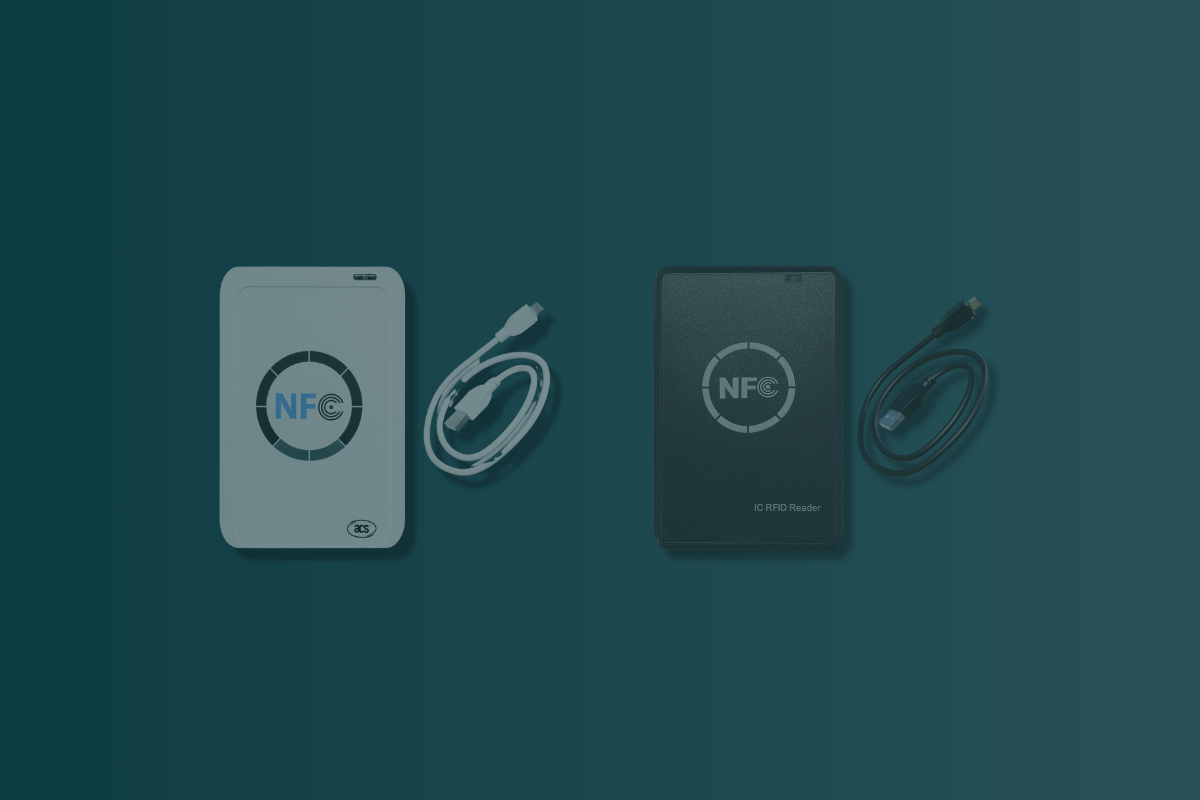
Buy NFC tagsYou’ve surely heard the saying: there are many roads that lead to Rome. This saying also applies to NFC programming. In fact, there are several ways to program NFC. There are primarily two methods that are widely used, the most popular of which is programming with a cell phone. This can be either an Android or an Apple device. Previously, NFC could only be programmed with an Android phone, but since Apple’s update (iOS 13), it’s also possible with an Apple device. In addition, programming is also possible using an NFC reader/writer. This is a device with a USB port that can be connected to a computer. Using the included software, you can easily program NFC.
Not only are there multiple ways to program NFC, but there are also multiple devices you can use to do so. As you read in the previous paragraph, it’s possible to program NFC using both Apple and Android devices. But keep in mind that not every Apple device supports this feature. Only Apple devices running iOS 13 or later support this feature. Android, on the other hand, has no such limitations. You can write to NFC using any Android device.
In the previous sections, we discussed the different ways to program NFC and which devices support this feature. If you choose to program NFC using a cell phone, you have a variety of apps to choose from.
Apple Store Do you have an iPhone? Then use the NFC Tools app. It lets you easily read and write NFC data.
Play Store Do you use an Android phone? If so, we recommend two popular apps for reading and writing NFC data, namely:
-NFC
Tagwriter-NFC Taginfo
Time required: 5 minutes.
How do I program NFC?
An NFC writer is a device or software that can store data on an NFC tag. It allows you to easily add information to an NFC tag, such as contact information, URLs, events, or commands.
To use an NFC writer, follow these steps:
There are a few reasons why you might use an NFC writer instead of a mobile app to program NFC tags:
However, it’s also true that mobile apps like NFC Tools offer a lot of flexibility because you can use them anywhere you have a smartphone or tablet. So, the best option for you depends on the specific situation and your personal preference.
Buy NFC tagsProgramming NFC involves writing data to an NFC chip. You can program NFC using a cell phone (both Android and Apple) or an NFC reader/writer. To program an NFC chip using a smartphone, you can use apps such as NFC Tools, NFC Tagwriter, or NFC Taginfo. Programming NFC is simple and can be done in five minutes. Turn on the NFC feature on your smartphone, download the appropriate app, and open it. You can then enter new data and write it to the NFC chip by holding the tag against your phone.
It’s possible to program NFC using a cell phone (both Android and Apple) or an NFC reader/writer. For Apple devices, it’s important to note that only devices running iOS 13 or later support this feature. For Android, there are no restrictions, and you can program NFC with any Android device.
If you want to program NFC using a cell phone, there are several apps you can use. For Apple devices, we recommend NFC Tools, and for Android devices, we recommend NFC Tagwriter or NFC Taginfo.
To program NFC, you need to enable the NFC feature on your smartphone, download the appropriate app, and open it. You can then enter new data and write it to the NFC chip by holding the tag against your phone. To program specifically using a cell phone, go to SETTINGS → WIRELESS & NETWORKS → ON for Android devices; for Apple devices, no adjustments are necessary. After that, you can open the NFC app and enter new data. When programming with an NFC reader/writer, you must connect the device to your computer and use the included software to write to the chip.