Nederlands
 Deutschland
 Österreich
 Schweiz
 English
 Français
 Čeština
 Dansk
Dansk Español
 Suomi
Suomi Italiano
 Português
 Svenska
 Polski
 Ireland
 Ελληνικά
 Română
 Magyar
 Eesti
Eesti Български
Sustainable Business Practices Using the CSR Performance Ladder
Sustainability is no longer a luxury, but a requirement for staying relevant. Companies must prove that they operate responsibly,...
Read article

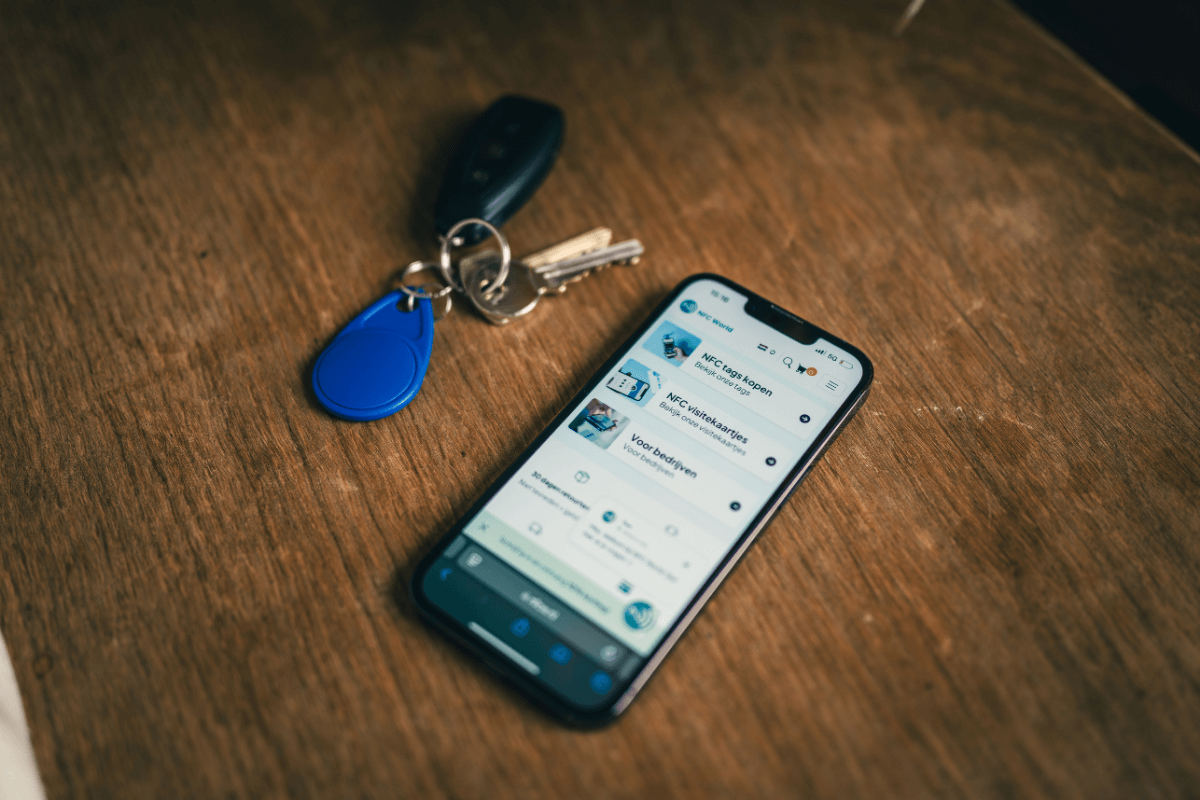
Want to get started with an innovative app that’s transforming the way we use NFC tags? Then meet TagMo APK. This tool lets users program NFC tags that are compatible with Nintendo’s Amiibo figures, unlocking a whole new world of interactive possibilities. This blog is designed to tell you everything you need to know about TagMo APK, from its basic features to installation and how to use it.
Check out our RFID 125 kHz tag coinTagMo APK is an Android app that allows users to program NFC tags to function as Nintendo Amiibo figures. This means that with your Android device and the right NFC tags, you can create your own Amiibo figures.
The app originated from a community of tech enthusiasts. TagMo was developed to provide an easy and accessible way to clone Amiibo data. This opened up a whole new world for gamers and collectors, allowing them to duplicate their favorite figures without having to purchase multiple physical copies.
The main benefit of TagMo for users is the ability to experiment with NFC technology and enhance their interaction with their favorite Nintendo games. It offers a cost-effective solution for acquiring Amiibo figures and fosters creativity within the gaming community.
Before you can install the TagMo APK, your device must meet a few basic requirements, such as running on the Android operating system and supporting NFC technology. TagMo is specifically designed for use on Android devices. Therefore, it is not (yet) possible to use the app on an iPhone because it requires access to certain Android-specific NFC features and settings, which are not available on iOS devices.
iOS users interested in similar functionality should look for alternative solutions specifically designed for the iOS ecosystem. Apple’s strict security policies and restrictions on NFC access mean that the options for directly programming or cloning NFC tags on iPhones are limited compared to Android.
Now that it’s clear you’ll need to use an Android device, we can move on to installing the app itself. This also helps avoid any confusion regarding the layout of different operating systems. To install the app, follow these steps:
To use TagMo effectively, it’s important to first download the necessary Amiibo bin files and save them to your device. Once you’ve prepared these files, open the TagMo app. Next, hold a blank NFC tag close to your device. In TagMo, select the Amiibo file you want to use and tap “Write Tag” to start the process. Writing the data to your NFC tag is easy; just follow the on-screen instructions.
TagMo offers multiple use cases that make it a versatile tool. For example, you can use it to back up your Amiibo collection. This is useful for preserving your data and preventing wear and tear on your physical figures. You can also use TagMo to test different Amiibo figures in games without having to purchase all the physical figures, which can lead to significant savings. Plus, it lets you share Amiibo data with friends, so you can enjoy together the various possibilities these figures offer in your favorite Nintendo games.
Although TagMo is a powerful tool, it’s important to be aware of the risks. Make sure to download only from trusted sources to avoid malware. Furthermore, cloning NFC tags and using Amiibo data falls into a gray area when it comes to copyright and trademark law. Use TagMo responsibly and only for personal, non-commercial purposes.
Check out our RFID 125 kHz tag coinTagMo APK is an Android app that allows users to program NFC tags so they function like Nintendo Amiibo figures.
No, TagMo APK is specifically designed for Android devices because it requires access to certain Android-specific NFC features and settings.
Yes, cloning NFC tags and using Amiibo data can raise copyright and trademark issues.