0
Back
Shopping Cart

No items in the shopping cart.

NFC Business Cards

Instructions for NFC Business Cards

You have an NFC business card. Smart move. With it, you’re not just handing out a card—you’re offering an experience. One tap against the other person’s phone, and your contact information appears instantly on their screen. No more fumbling with typing or paper clutter in your pocket. But how do you get the most out of it? On this page, you’ll find exactly what to do—step by step.
Instructions for Android

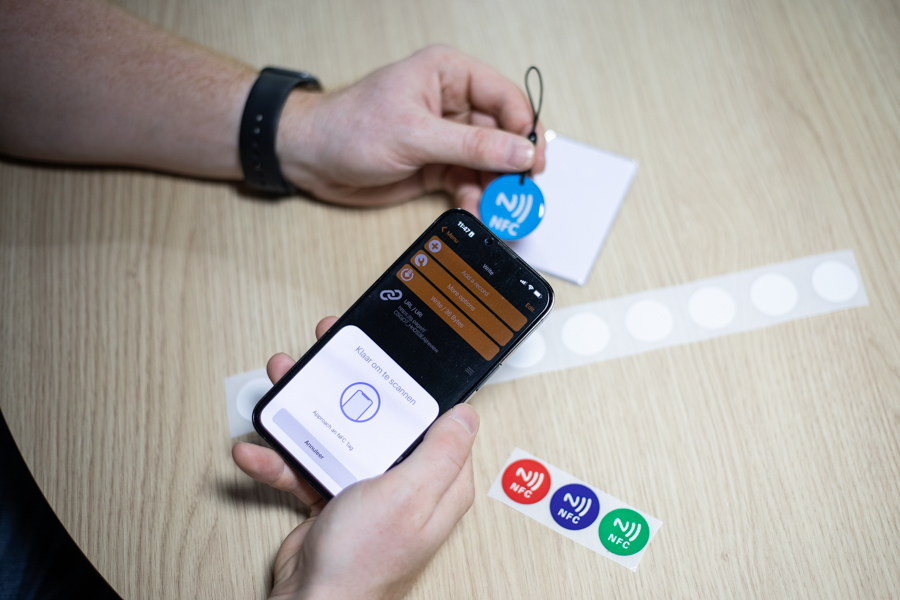
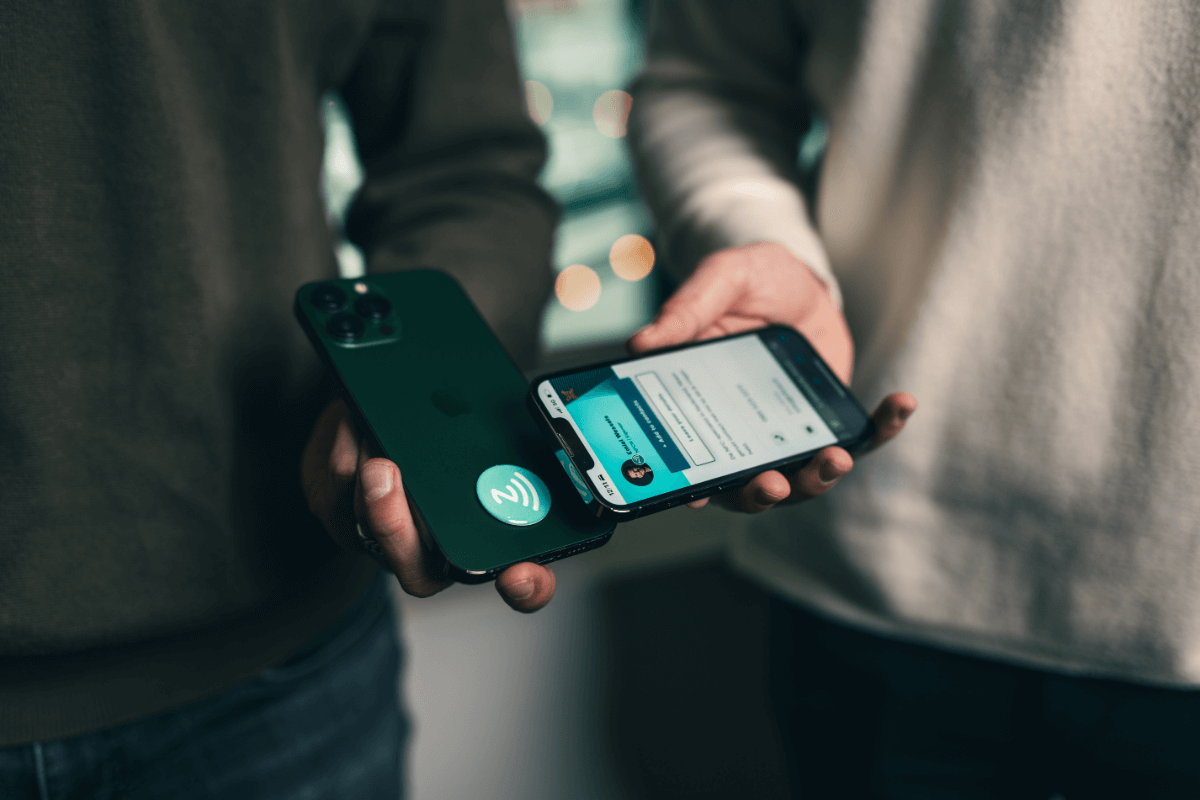
Hold the card against the back of a phone
A notification will appear on the screen; click on it.
You'll be taken to the contact information page; from there, you can save the contact information to your phone.
Click the “+ Add to Contacts” button, and the contact will appear on the screen.
Scroll down and click “Create New Contact.”
Click “Done,” and the contact will be saved to your phone.

Instructions for Apple

Hold the card against the back of a phone (above the camera).
A notification will appear on the screen; click on it.
You'll be taken to the contact information page; from there, you can save the contact information to your phone.
Click the “+ Add to Contacts” button, and the contact will appear on the screen.
Scroll down and click “Create New Contact.”
Click “Done,” and the contact will be saved to your phone.

Good to Know

The card is pre-programmed and ready to use right away.
Only older Apple devices (iPhone X or older) require an app to read the NFC chip. For these devices, you can use the QR code as a backup if you’ve added it to the design.
On all Android devices, the NFC feature must be set to “on.”
Make sure to hold the NFC business card close to the chip in the device. The chip is usually located near the camera.
Make sure you never place the NFC chip between a wireless charger and a phone, as this can cause the NFC chip to malfunction.

Do you have any questions or would you like to speak with someone?

Our experts are ready to help you—whether you have a question, want to request a quote, or just need some more information. Call us directly or fill out the form below. We’ll make sure you receive a response within 24 hours. We look forward to supporting you.
NFC World Reseller Program
Become an NFC World reseller.
Margin, white-label dashboard, and full-service support for production and shipping.
Become a reseller
14-day return policy
Not satisfied? Get your money back.
Rating: 9.3
We have an average rating of 9.3
Fast delivery
Order by 2:00 PM on business days, shipped today
Pay by invoice
Or with iDeal, credit card, Klarna, Apple Pay, and more!

Sign up now for our newsletter

And get an instant 10% discount on your first order
  • Always the first to know about smart NFC applications
  • Access to special deals and exclusive product launches
  • Practical insights for your industry
Need help?
Our customer service is available every business day from 9:00 a.m. to 5:00 p.m. Do you have any questions or need personalized advice? Please contact us.
nfcw.ie has a rating of 9.3/10 on WebwinkelKeur Reviews, based on 886 reviews.